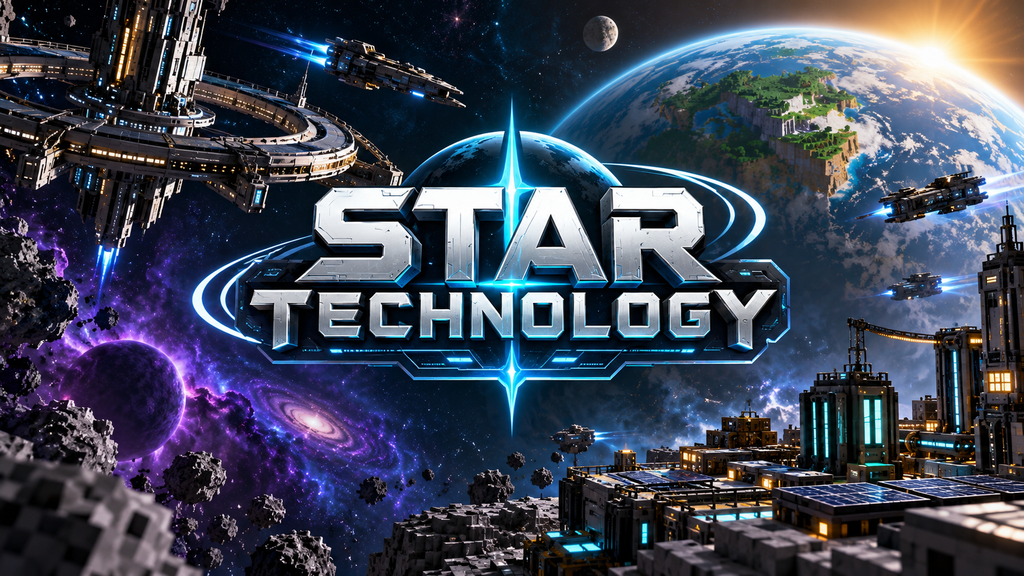
Welcome to Star Technology at Sparky’s Place!
Dive into a challenging Minecraft 1.20.1 modpack focused on advanced technology, automation, engineering, and massive factories.
Build complex production systems, explore new technologies, and work your way through an extensive progression system.
Join our community, build at your own pace, and take on the ultimate technological challenge!
Getting Started
Ready to join Star Technology at Sparky’s Place? Follow these steps to get started!
1. Install Minecraft Java Edition
You’ll need a legitimate copy of Minecraft Java Edition for PC.
If you don’t already own Minecraft, you can purchase it from the official Minecraft website.
2. Install the Star Technology Modpack
Our server runs Star Technology for Minecraft Java Edition 1.20.1 using Forge.
Required Modpack Version: T2HF4 (Theta 2 Hotfix 4)
Download Star Technology on CurseForge
To install:
- Open the CurseForge app or Prism Launcher.
- Find the Star Technology modpack.
- Install Theta 2 Hotfix 4.
- Launch the modpack and wait for Minecraft to load.
Important: Your installed modpack version must match the server version. Avoid updating to a newer release until Sparky’s Place announces that the server has been updated.
3. Connect to Sparky’s Place
Once Minecraft has loaded:
- Select Multiplayer.
- Click Add Server.
- Enter the following details:
Server Name: Sparky’s Place – Star Technology
Server Address: star.sparky911.com
Access: Whitelist Required
4. Apply for Whitelist Access
Our Star Technology server is currently whitelisted to maintain a friendly and respectful gaming environment.
To join, you’ll need to submit a whitelist application through our website.
Once your application has been reviewed, we’ll contact you by email with a decision.
You can also join our Discord community to meet other players, ask questions, and stay informed about server updates.